
OneLab Software
Design and execute laboratory protocols
Imagine being able to design and execute your laboratory experiment on your own PC or tablet, even while drafting your latest research manuscript. It’s that easy with OneLab Software, a browser-based interface for liquid handling and sample preparation protocol design and execution, from simple to complex. Each step of your laboratory experiment can be executed manually, semi- automatically, or fully automatically, depending on whether you have a OneLab Software-compatible connected device or not. OneLab Software records each step of your experiment and automatically generates a report, fully supporting your troubleshooting and auditing needs.
- Traceable experiments: Track steps from protocol design to execution to report generation, utilize the software as a searchable electronic laboratory notebook (ELN) and enable communication between databases like LIMS
- Laboratory management: Synchronize protocols automatically, removing the need for additional version control and documentation
- Security and data privacy: Protect lab protocols through secure user identification and access control
- Continuous online assistance: Connect to real-time experts who are a click away at any time during the workday
 OneLab Software
Overview
- Design and execute your own protocols with a user-friendly, browser-based interface or take advantage of an expanding range of open-source methods
- Ensure reproducible and fully traceable experiments by automating repetitive, time-intensive pipetting tasks with laboratory automation, software, and equipment
- Perform complex actions easily, avoiding the risk of errors or repeat experiments, critical when working with scarce samples like rare tumor biopsies
- Calculate a dilution factor or design a serial dilution without error
- Redefine solid-phase extraction (SPE) with automated control of pressure profiles and labware movement for 100%, hands-free SPE workflows
- Minimize variability, improve traceability, and simplify method transfer, bringing improved efficiency and productivity
- Streamline and integrate automated sample tracking, sample preparation, and LC-MS analytics for access to high-quality process and product data
Recommended Use: Design and execute laboratory experiments on your PC or tablet manually, semi-automatically, or fully automatically.
Flexible Deployment Options
OneLab provides 3 deployment options designed to cover a wide range of requirements, from a turnkey Windows-based solution installed in minutes to fully managed enterprise-hosted environments. Each option varies in how much you can customize it, the level of compliance it supports, and the underlying infrastructure it relies on.
|
|
|
SaaS (Public cloud)SaaS (Public cloud)
|
|---|---|---|---|
|
CFR 21 Part 11 compliant ready |
CFR 21 Part 11 compliant ready |
CFR 21 Part 11 compliant ready |
CFR 21 Part 11 compliant ready |
|
CFR 21 Part 11 compliant ready |
✓ |
✓ |
✓ |
|
GxP compliant ready |
GxP compliant ready |
GxP compliant ready |
GxP compliant ready |
|
GxP compliant ready |
✓ |
✓ |
✕ |
|
Customer controls software updates |
Customer controls software updates |
Customer controls software updates |
Customer controls software updates |
|
Customer controls software updates |
✓ |
✓ |
✕ |
|
Customer can back up the entire database for disaster recovery |
Customer can back up the entire database for disaster recovery |
Customer can back up the entire database for disaster recovery |
Customer can back up the entire database for disaster recovery |
|
Customer can back up the entire database for disaster recovery |
✓ |
✓ |
✕ |
|
OneLab Software API |
OneLab Software API |
OneLab Software API |
OneLab Software API |
|
OneLab Software API |
✓ |
✓ |
✕ |
|
LIMS integration |
LIMS integration |
LIMS integration |
LIMS integration |
|
LIMS integration |
✓ |
✓ |
✕ |
|
LDAP integration |
LDAP integration |
LDAP integration |
LDAP integration |
|
LDAP integration |
✓ |
✓ |
✕ |
|
Software integration with waters_connect Platform, MassLynx Software, Empower Software |
Software integration with waters_connect Platform, MassLynx Software, Empower Software |
Software integration with waters_connect Platform, MassLynx Software, Empower Software |
Software integration with waters_connect Platform, MassLynx Software, Empower Software |
|
Software integration with waters_connect Platform, MassLynx Software, Empower Software |
✓ |
✓ |
✕ |
|
Real-time support chat (Intercom) |
Real-time support chat (Intercom) |
Real-time support chat (Intercom) |
Real-time support chat (Intercom) |
|
Real-time support chat (Intercom) |
✓ (depends on customer network config) |
✓ (depends on customer network config) |
✓ |
|
Maximum number of connected devices |
Maximum number of connected devices |
Maximum number of connected devices |
Maximum number of connected devices |
|
Maximum number of connected devices |
No limit |
No limit |
No limit |
|
Type of license |
Type of license |
Type of license |
Type of license |
|
Type of license |
Annual license per group of 10 users |
Annual license per group of 10 users |
Free |
|
Hardware provided by Waters |
Hardware provided by Waters |
Hardware provided by Waters |
Hardware provided by Waters |
|
Hardware provided by Waters |
✓ |
✕ |
N/A (hosted on AWS by Waters) |
|
No IT support needed? |
No IT support needed? |
No IT support needed? |
No IT support needed? |
|
No IT support needed? |
✓ (except if connected to corporate network) |
✕ |
✕ (only if firewall ports may need to be opened for instrument–OneLab Software connectivity) |
Intuitive graphical design
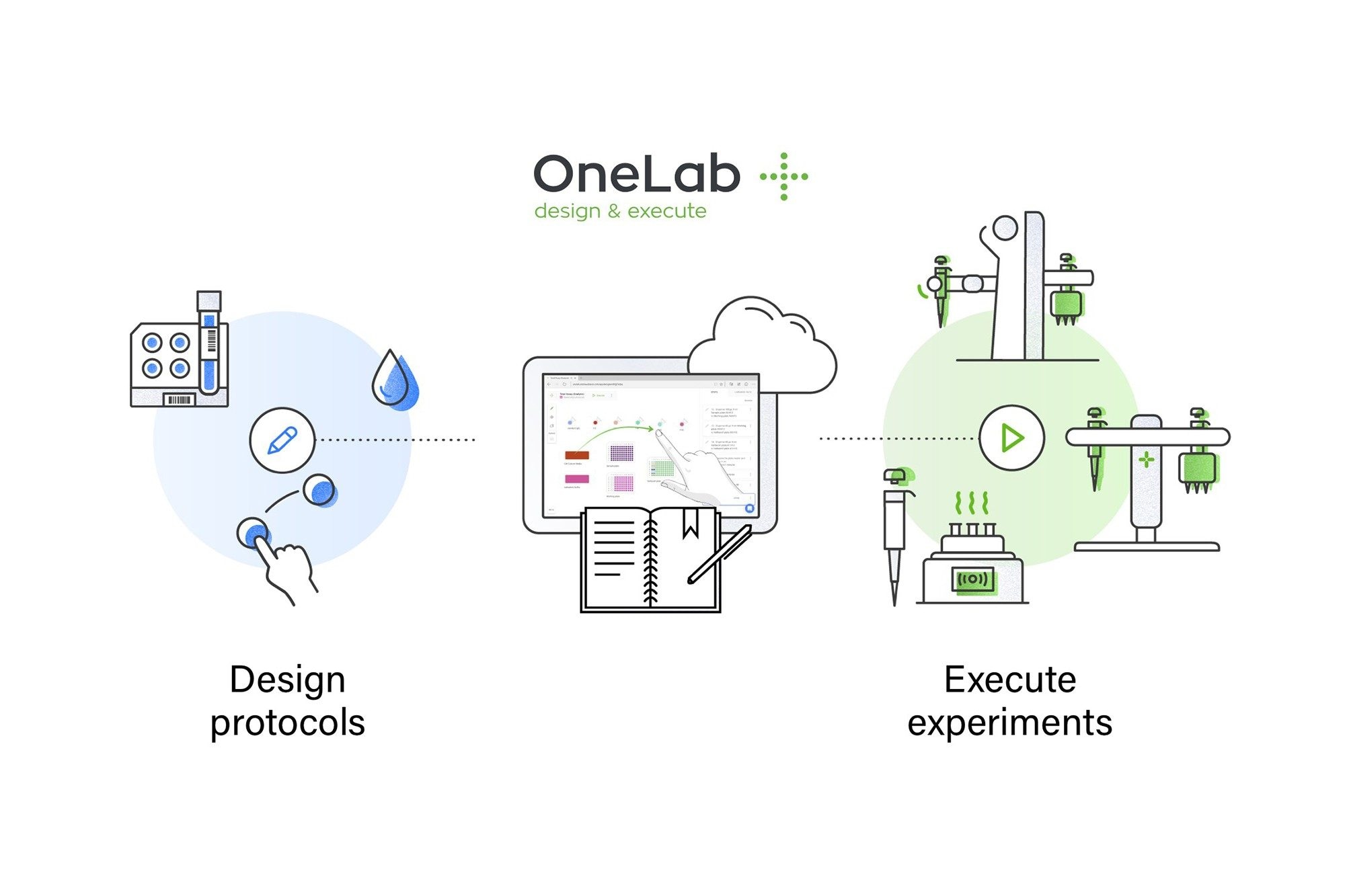
Define your laboratory protocol in OneLab Software using an intuitive graphical drag-and-drop interface. For example, to perform a liquid handling operation, add the required consumables and samples on the virtual bench, then drag the pipette from the source to the destination as you would on a real bench. With OneLab Software, you can add heating, shaking, centrifugation steps, and more from any computer or tablet. Operations including serial dilution, concentration normalization, heating, shaking, centrifugation, and temperature control can be defined in OneLab Software, eliminating the risk of error-prone calculations and inaccurate SOP descriptions.

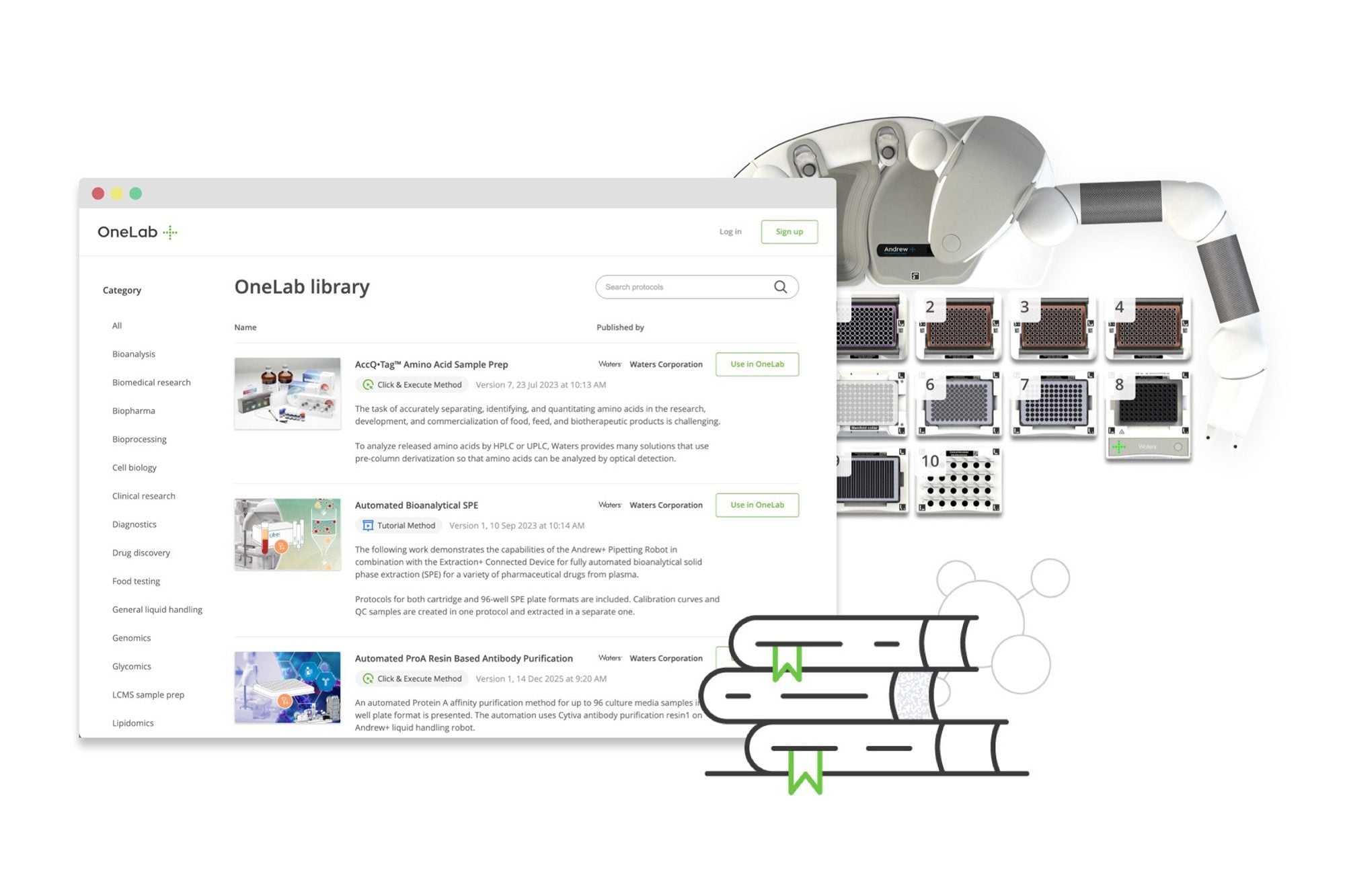
Share the protocols you design or start from already existing methods
Ensuring repeatability of your experiment in a collaborator’s lab, in a ring trial, or across a network of regulated laboratories can be challenging. OneLab Software lets you design and securely share your protocols with lab members or collaborators in other labs anywhere in the world. Protocols designed in OneLab Software ensure that each step in your experiment is executed correctly, reducing the likelihood of errors or different interpretations, and avoiding wasted research time and funding.
If a OneLab Software protocol is available, you can use these methods right away, helping you get up and running faster. We are continually adding new methods and validated protocols to the library, so check back often if you don’t see what you need.
Choose the level of automation that fits your workflow
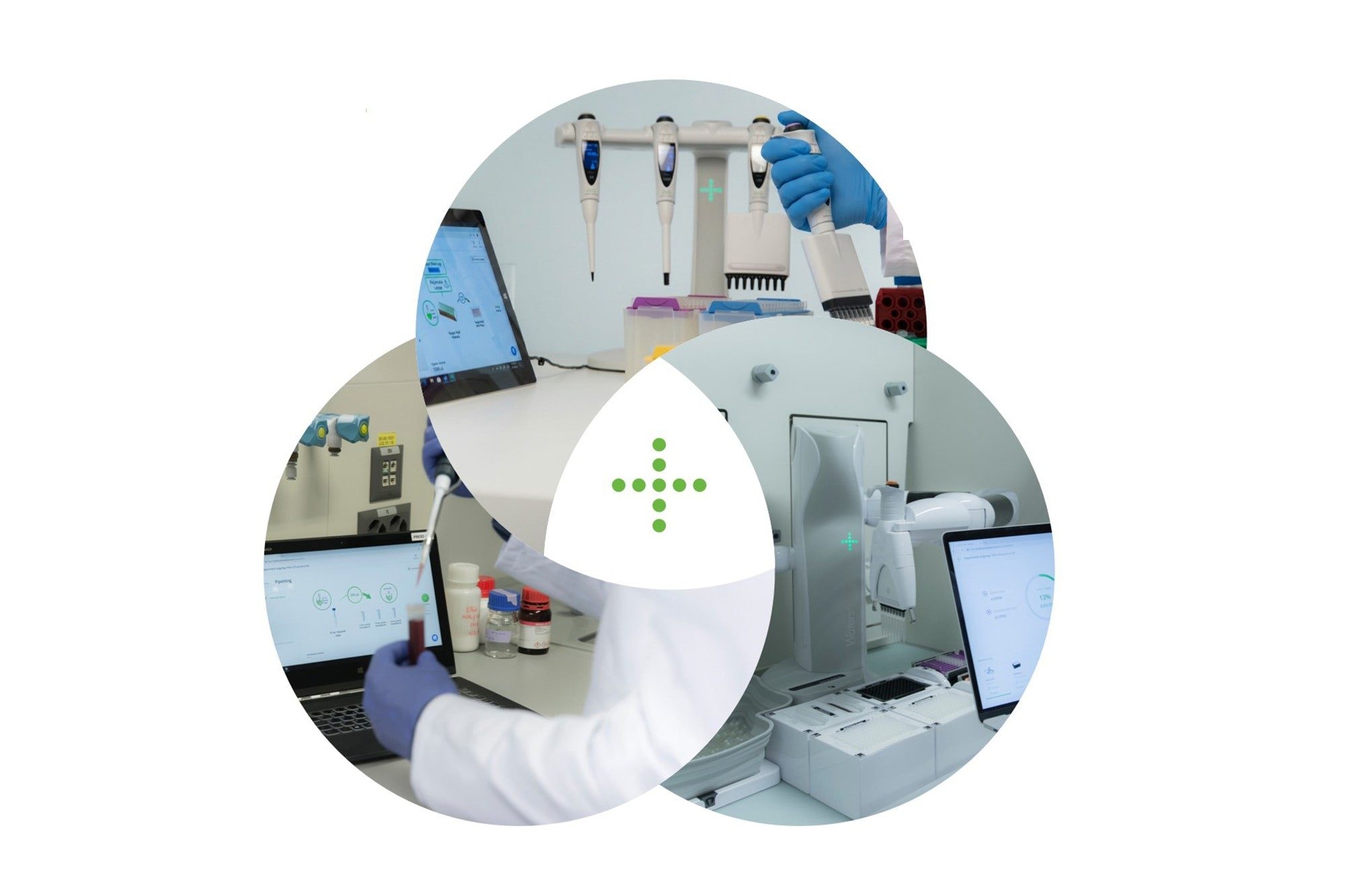
Protocols built in OneLab Software can be executed three ways, so you can match the right level of automation to each experiment — no all-or-nothing commitment to robotics required.
- Advised — OneLab digitally guides scientists through SOPs step by step, with full traceability and no connected hardware required. Ideal when you're pipetting manually but want to eliminate errors and capture every action.
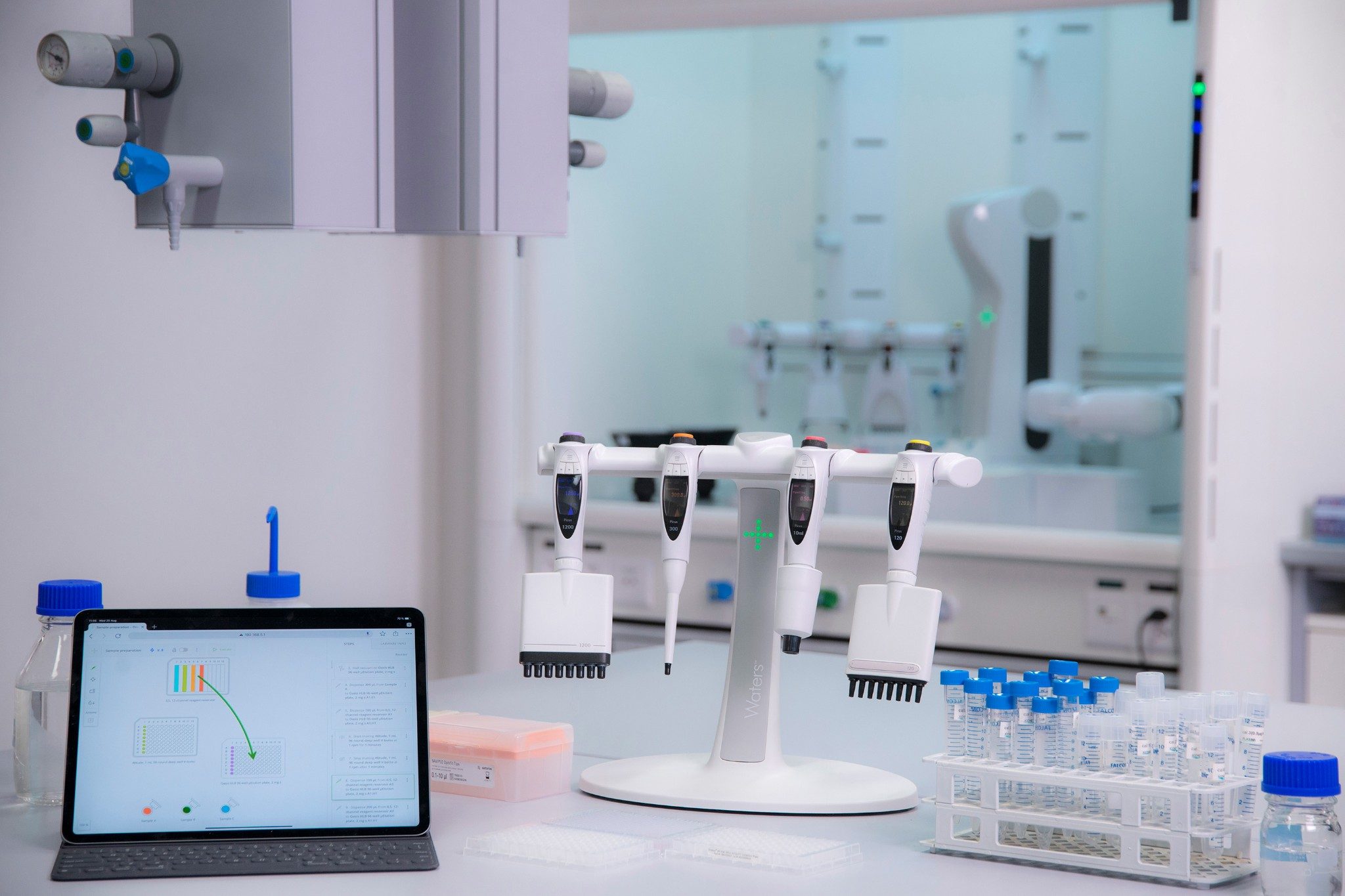
- Assisted — The Pipette+ Stand, paired with Waters electronic pipettes and the OneLab Software user interface, provides real-time, step-by-step guidance and automatically configures the correct volume, mixing, and tip-ejection settings at the press of a button — cutting manual workload by up to 90%.
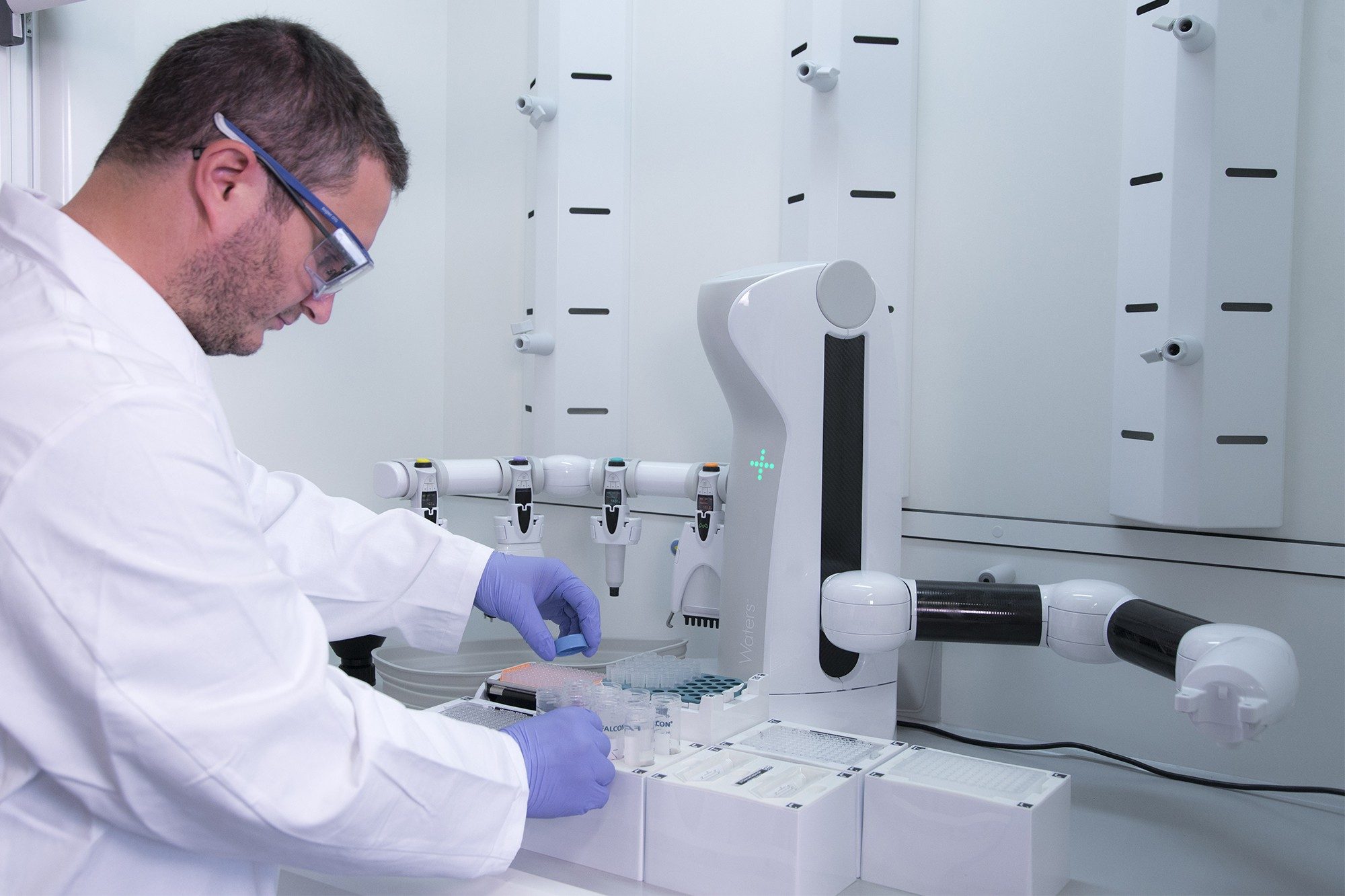
- Automated — The Andrew+ Robot runs complete workflows unattended, turning laborious manual procedures into easily programmable protocols without any lab automation expertise. It uses Waters electronic pipettes and can even operate inside fume hoods.
Together, these options form a growing ecosystem of connected devices that scale with your lab as your needs evolve.
Built for regulated environments
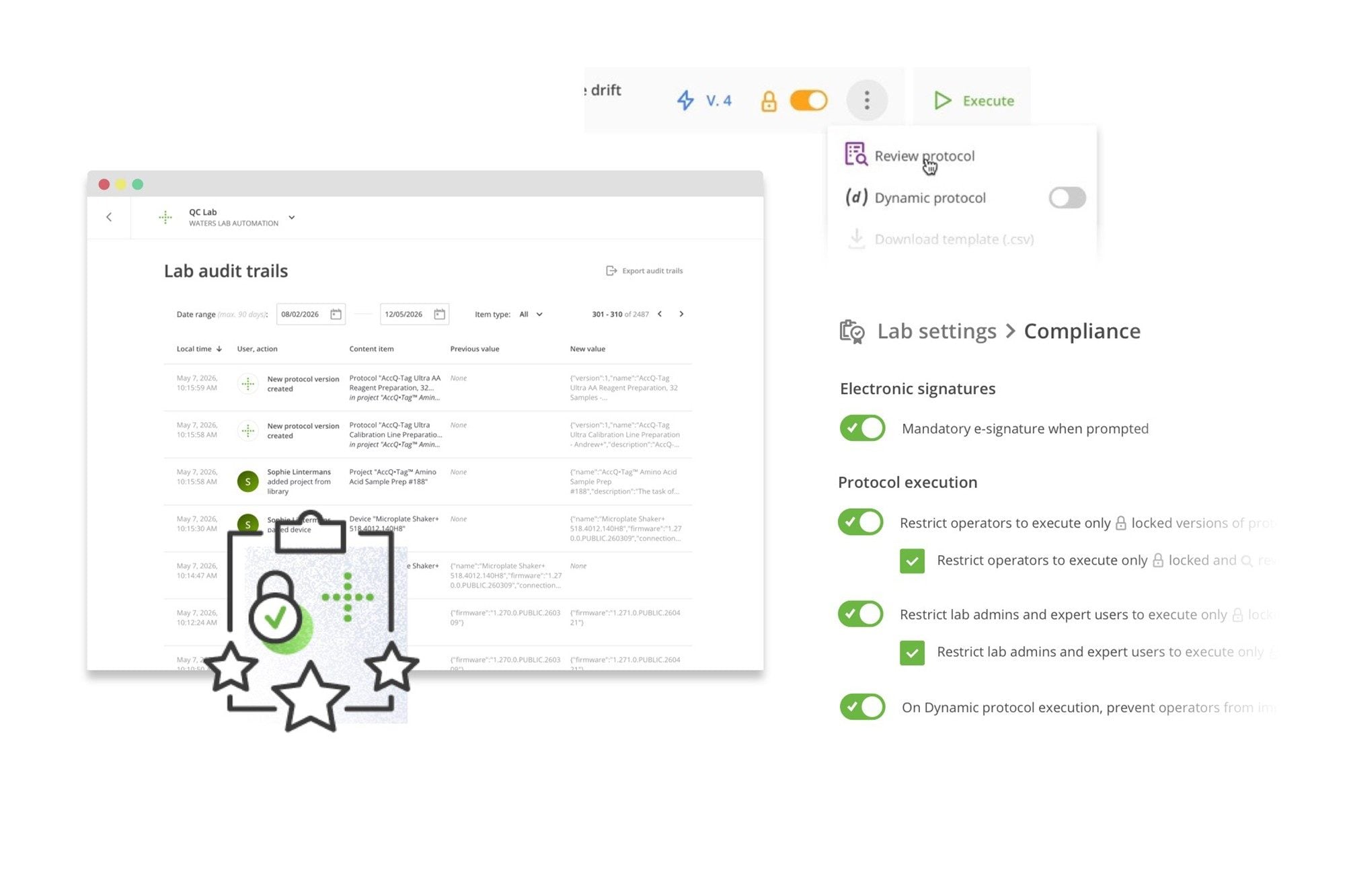
Operate confidently in GxP-compliant and regulated laboratory settings with OneLab Software’s comprehensive compliance features, giving laboratory managers peace of mind about meeting strict standards. The platform is equipped with all necessary technical controls to satisfy 21 CFR Part 11 and EU Annex 11 requirements by including electronic signatures, detailed audit trails, user access management with role-based permissions, and protocol versioning.
All actions within OneLab Software, from protocol design to execution, are securely logged and traceable, ensuring data integrity throughout your workflow. With OneLab, you can reduce the validation burden on your IT and quality teams while maintaining the highest standards of regulatory compliance, supported by built-in validation tools and documentation features that simplify audit readiness.
Seamless software integration
Available exclusively for on-premises deployments (OneLab Secured Deployment Solution and OneLab Enterprise).
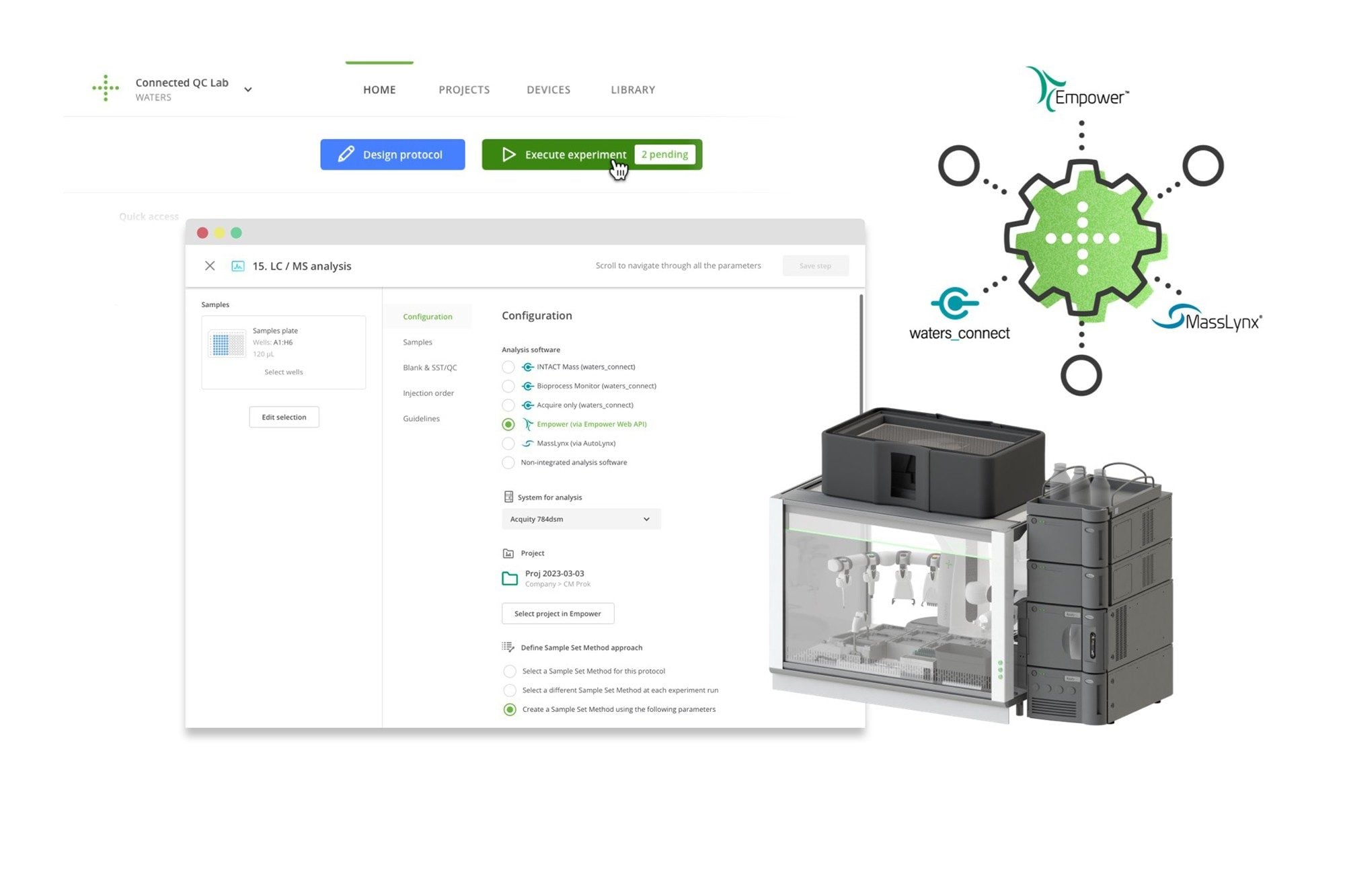
Enhance your end-to-end workflows by seamlessly connecting OneLab Software to your existing laboratory informatics ecosystem. OneLab integrates effortlessly with Waters chromatography and mass spectrometry software, including Empower, MassLynx, and waters_connect, to facilitate smooth metadata transfer and acquisition triggering.
The OneLab platform can integrate with LIMS to support comprehensive sample tracking and experiment control across your laboratory organization.
The OneLab API enables you to automate tasks by connecting with third-party scheduling software. This integration allows you to streamline workflows across multiple instruments, including Andrew+ and Waters devices, ultimately boosting throughput and operational efficiency.
Resources
Documents
Support
What do you want to do?


